Z1 Simulator
A century after Babbage, yet a decade before ENIAC, civil engineering student Konrad Zuse embarks on a personal quest for automated computation. His efforts result in the Z1, a fully mechanical binary computer, programmed through punched tape and operating in floating point arithmetic. The handmade nature of parts means the machine never runs well, though the principles are sound enough to warrant reusing sections of the design for later electromechanical machines.
The Z1 was destroyed during the war, and it would have been lost to history, had Zuse not had the opportunity to reconstruct it in the 1980s using modern manufacturing methods, to be displayed in Berlin. The new machine works, but is ultimately still prone to breakdowns if insufficient care is taken by operators, and after his passing nobody knows it well enough to get it running again.
Back in the present, recent revival efforts have successfully restored function to its memory unit, though the far more complex processor side still lies inert, and until now the options for getting hands-on with the machine have been sparse.
=============
Z1 Simulator
=============
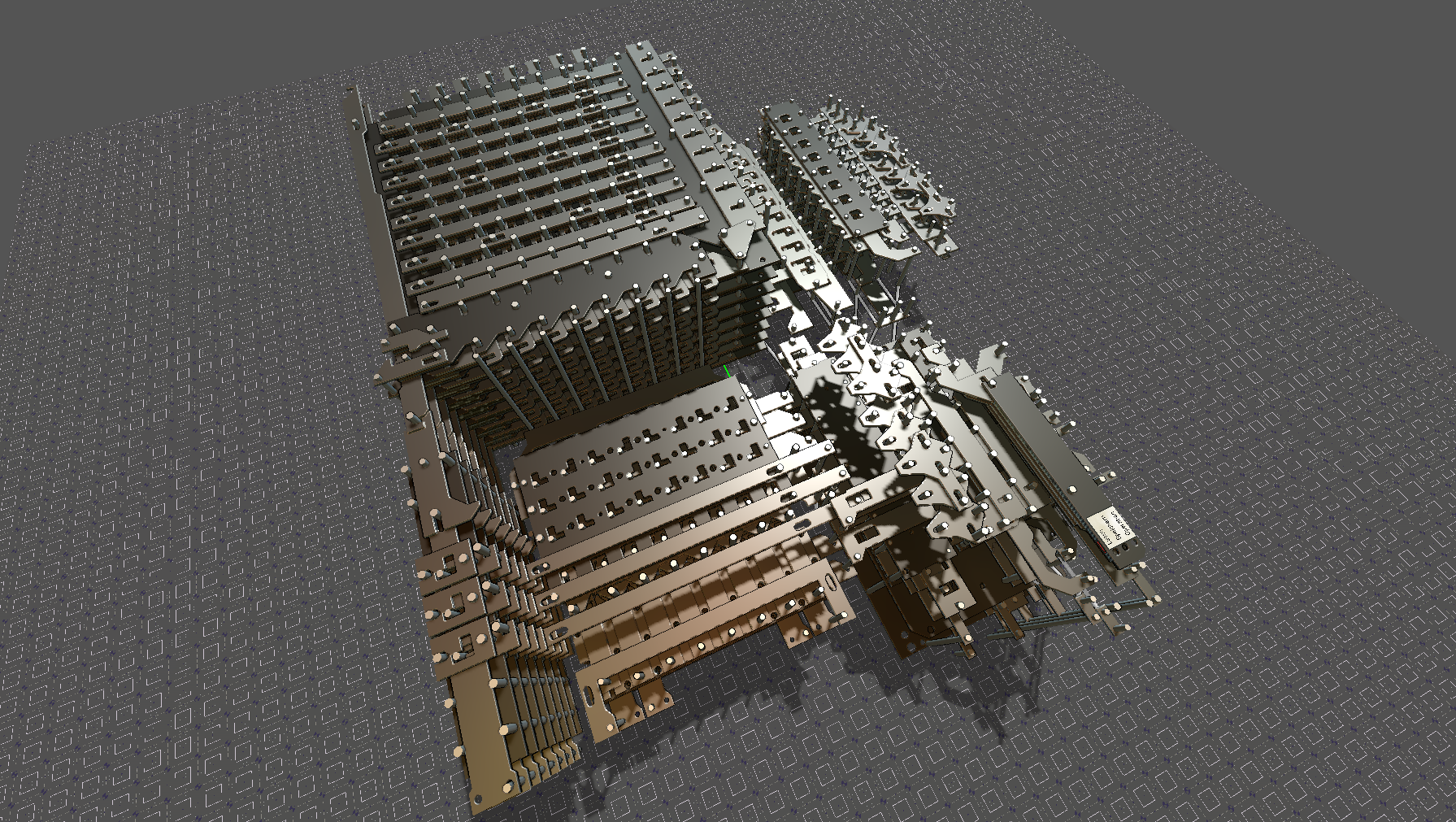
This project offers a simulation environment capable of running arbitrary designs built using the Z1's principles. The web version includes:
- Some simple examples covering the basic principles
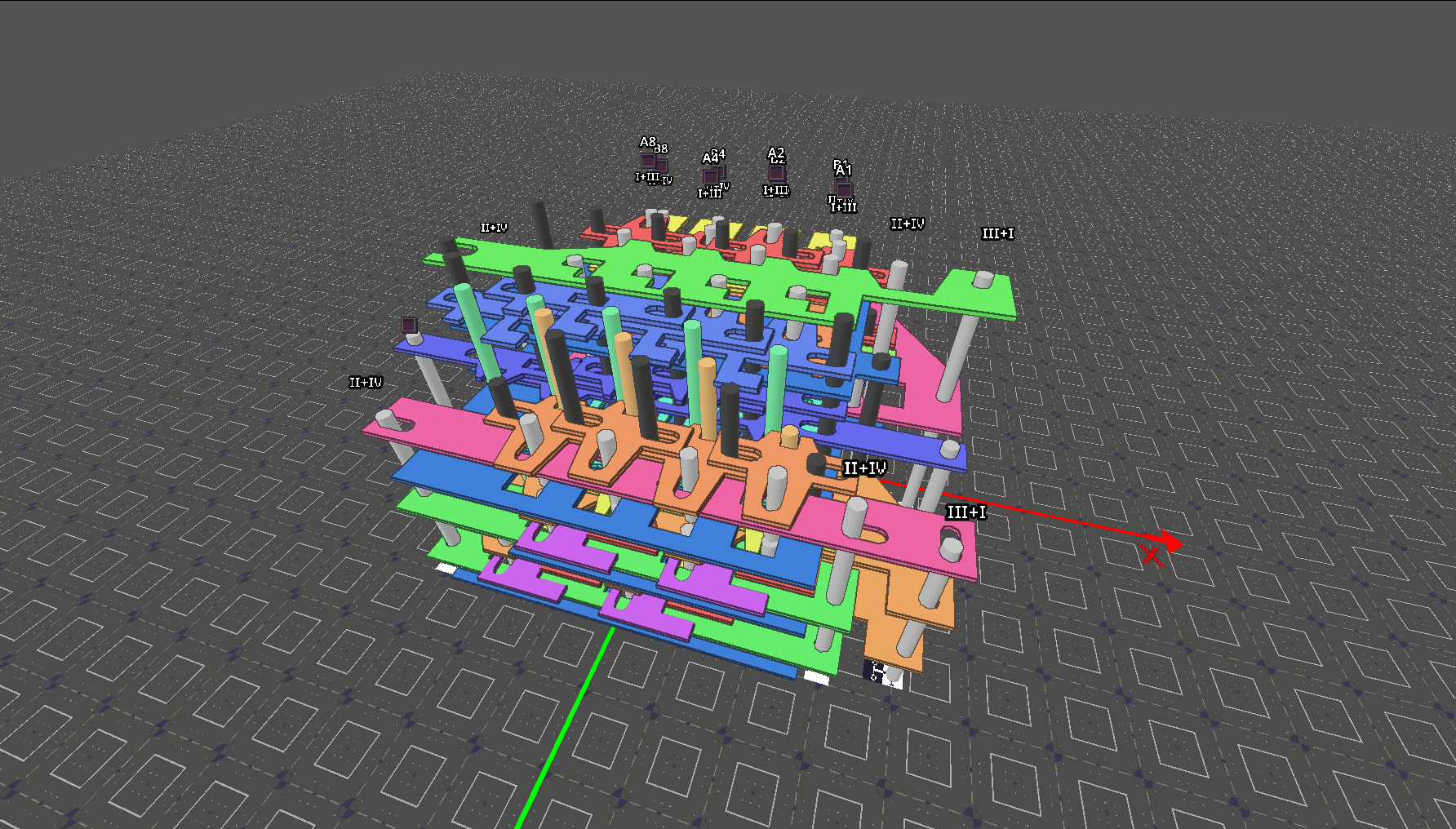
- A 4-bit adder (loaded on startup)
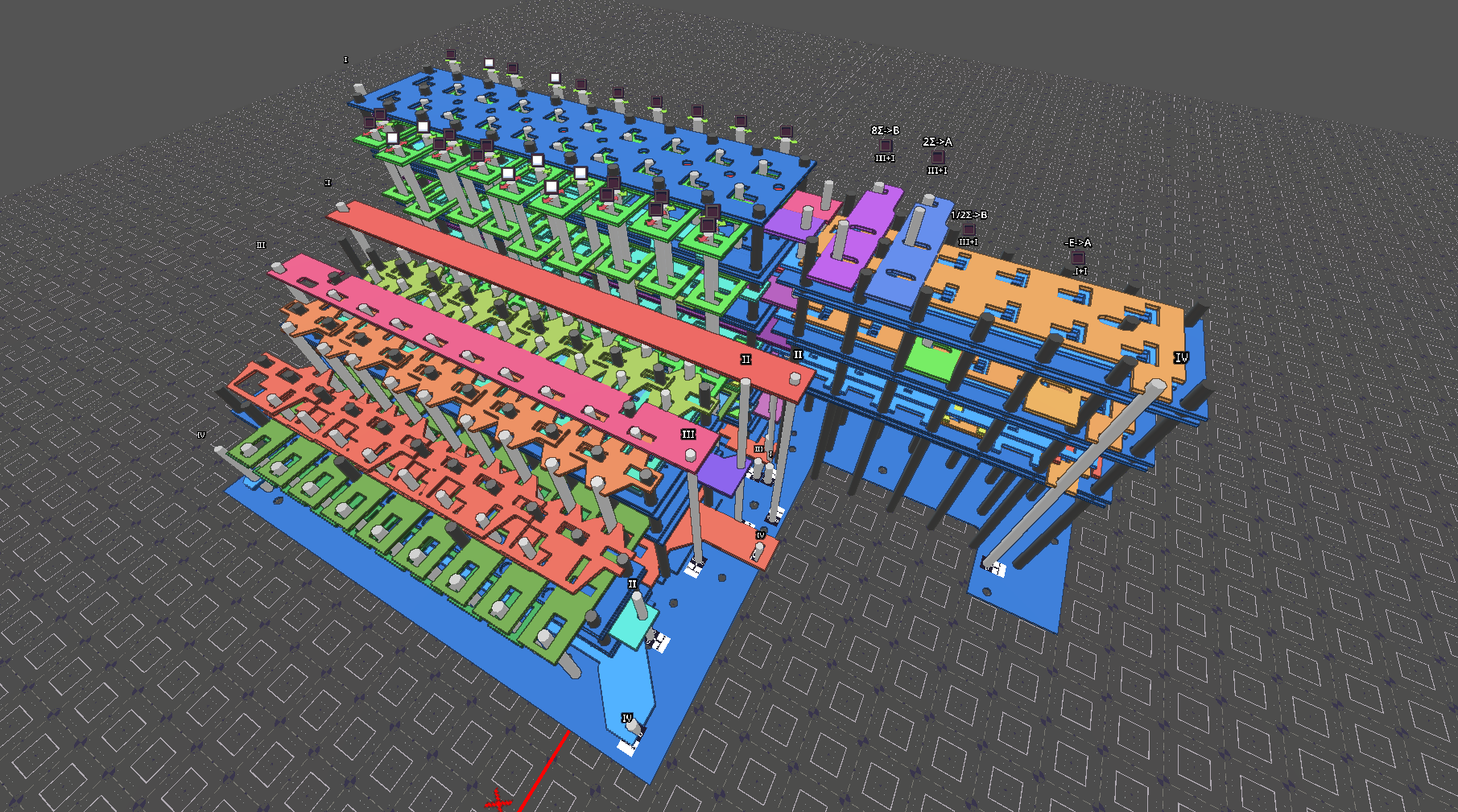
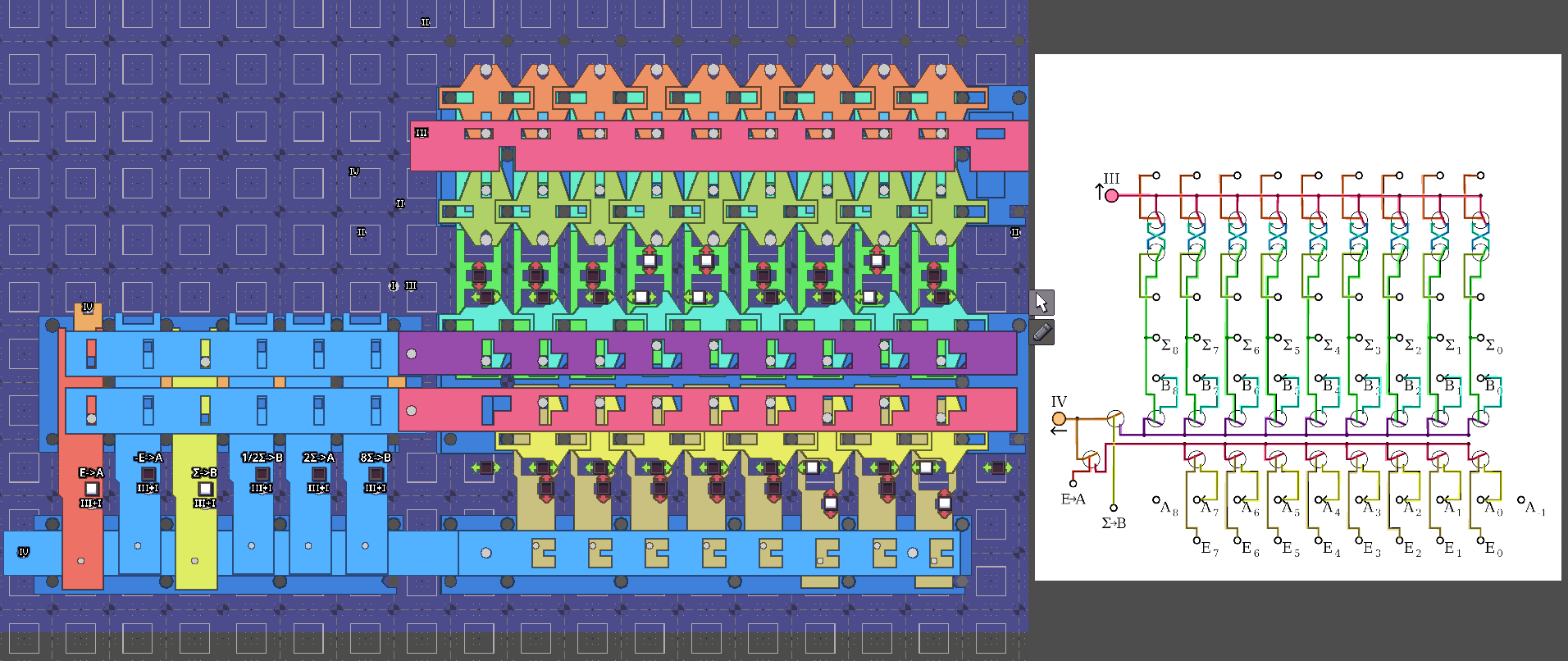
- A model of part of the Z1's arithmetic unit
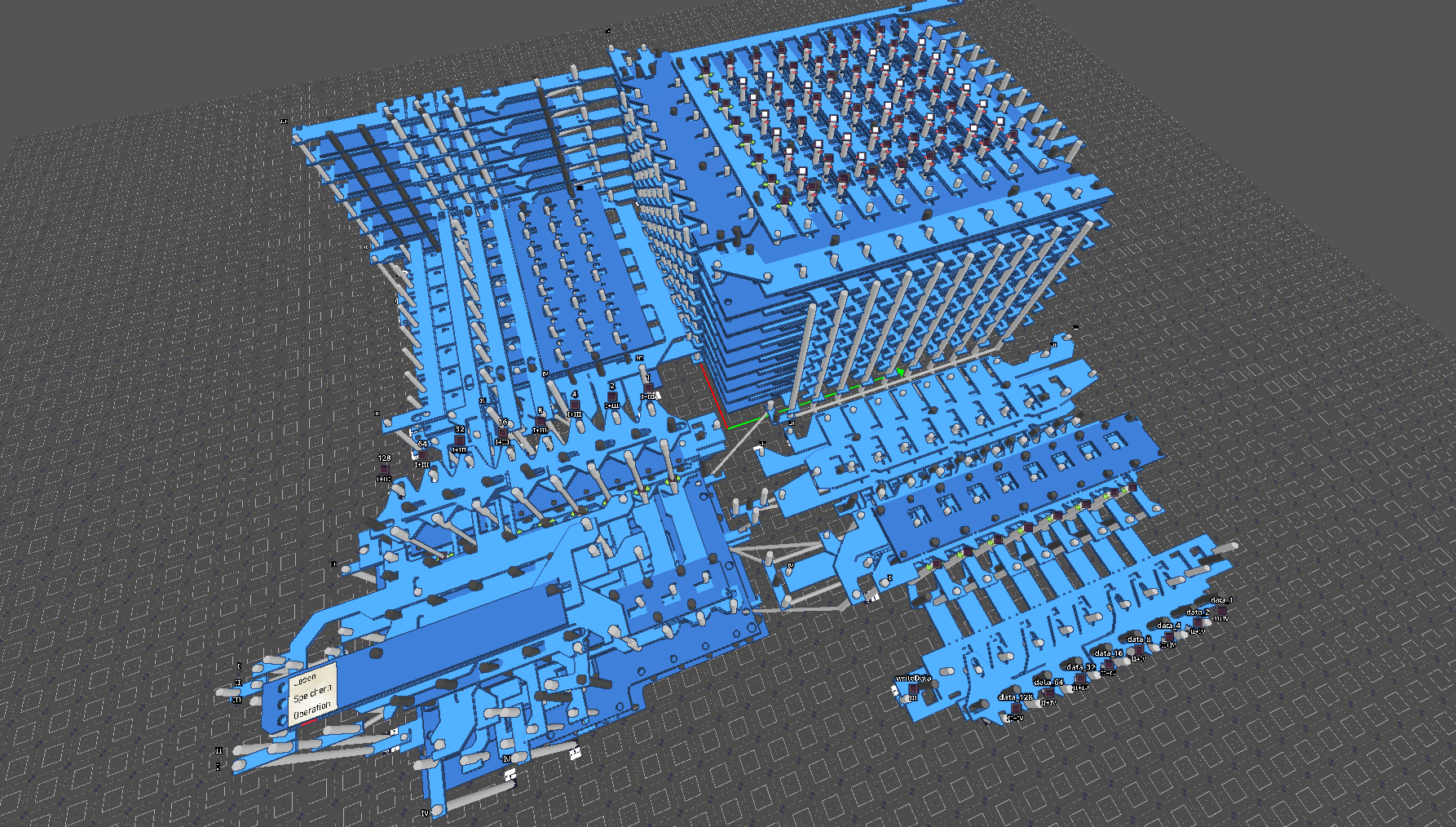
- The memory section of the real machine (With 1 of 3 memory blocks)
- Z1Memory -> instruction codes are set by hand
- Z1Memory_Programmable ->instructions are provided by a mock reader which can be programmed via the sequencer interface
- Z1Memory_DataProgrammable -> input values on the data bus can also be set through the sequencer
An introductory tutorial and built-in help screen will show you how to interact with these machines.
The desktop versions further include:
- Extra designs from patents by Zuse:
- 3-bit decoder
- Counter
- Delay
- Memory (Slightly different to modern design, likely more similar to original Z1)
- A program for creating new sheet SVG files to place in the simulation
- Blender scripts for importing Z1Simulator projects, including animation
If you wish to learn more about the Z1, be sure to check out https://zuse-z1.zib.de/
We have not yet digitised the machine's processor in this project, but you can find an excellent simulation of it on a functional level here: https://zuse-z1.gitlab.io/alu-sim/
Things to note:
- If comment boxes prevent you from selecting parts you can disable them through a toggle at the top
- Specific to the web app: Loading shaders for the first time (like when switching render modes) will cause a lag spike once, after that it should be fine.
If you've created any neat machines with this yourself, feel free to open a discussion thread below!
Also, if you have access to a 3D printer you can now print yourself some neat fidget toys of some of the mechanisms found in the Z1: https://www.printables.com/model/1647593-z1-trinkets
Download
Development log
- Release 0.2.1Mar 17, 2026
- Release 0.2Mar 02, 2026